
Social ads
9:16 loops for a product, outfit, or place, with a clear action in the first seconds.
HiDream Video online
Turn a prompt or a still into a short clip with HiDream Video, then switch to HiDream O1 Video when you need a longer take.

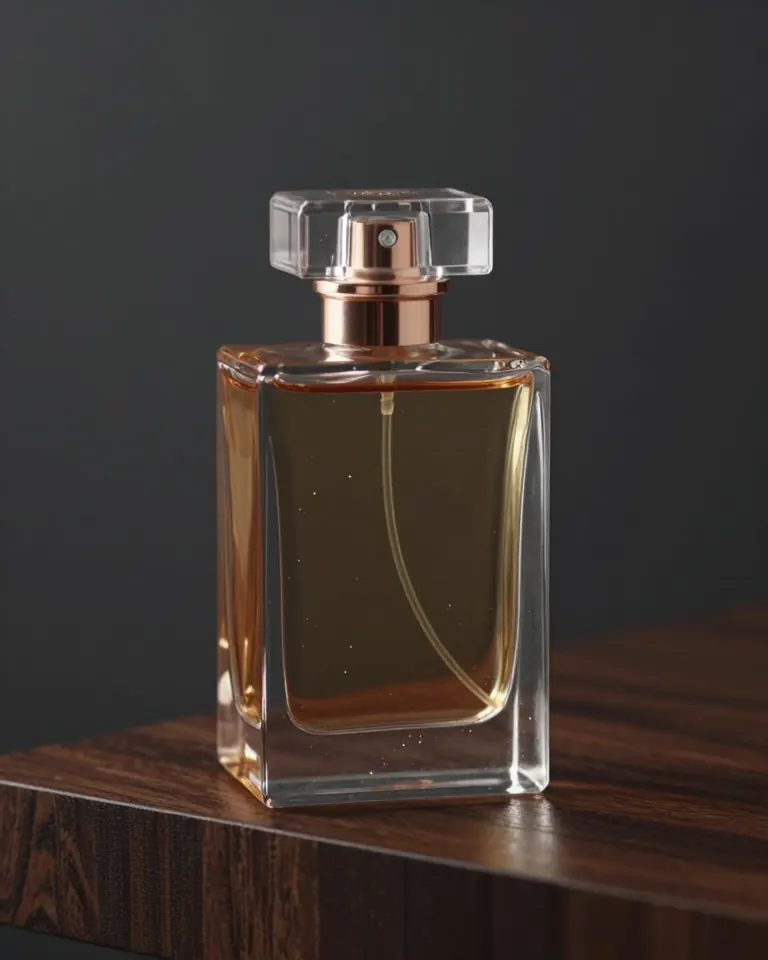
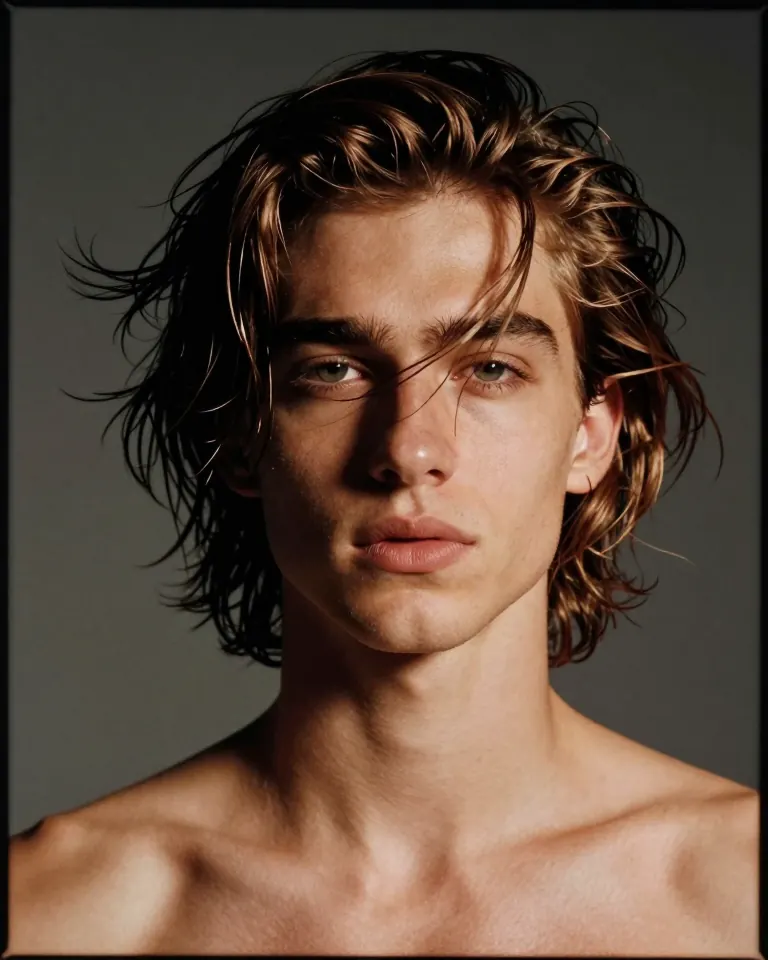
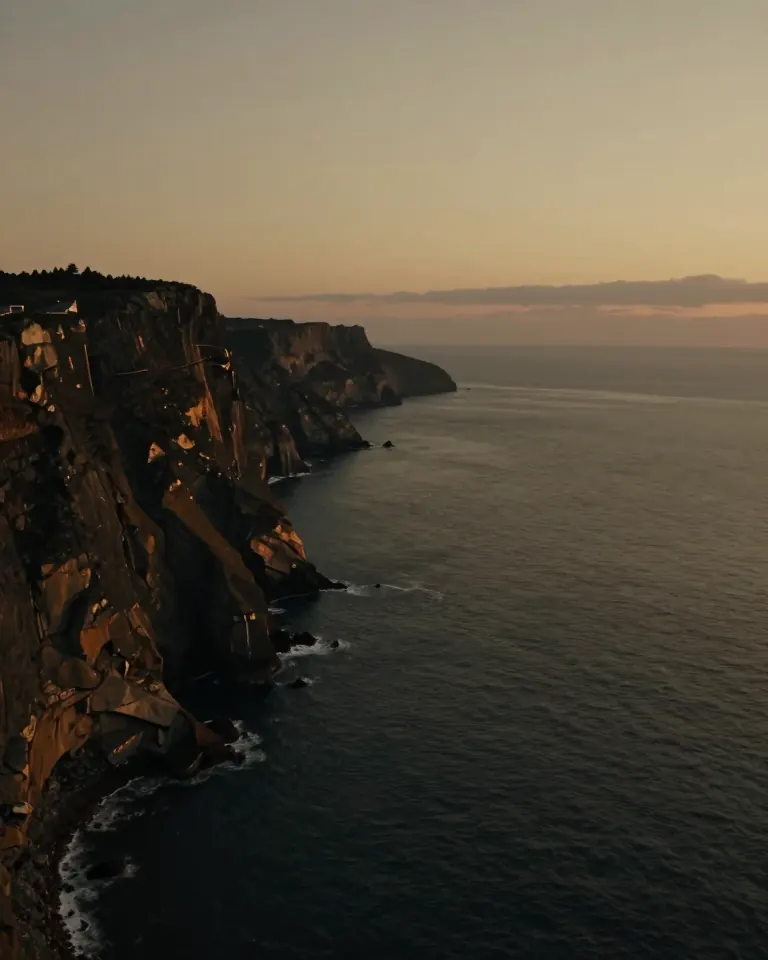
Still frames in the same grade as the workspace. Pick one to load its prompt.
HiDream Video is the short-clip workspace. HiDream O1 Video is the longer option on the same account.
Describe subject, motion, and camera. HiDream Video renders 5, 10, or 15 second clips.
Start from a still. Add an optional end frame when you want the motion to land on a second image.
Choose 16:9, 9:16, 4:3, or 3:4, and 480p, 720p, or 1080p. The credit cost updates with those settings.
Use O1 for 1–30 second runs at 480p or 720p, including a reference video when the shot needs it.
Finished clips stay in your account history so you can replay, download, or start again from the same prompt.
A 5 second HiDream Video clip at 720p is 240 credits. A 5 second HiDream O1 Video clip at 720p is 315 credits. Longer or higher settings cost more, and the button shows the estimate.
hidream.video is an independent third-party workspace. It is not the official HiDream site and is not affiliated with HiDream.
The marketing page only carries your prompt into the workspace. Generation happens after you sign in.
Name the subject, the motion, and the camera. Example chips fill a usable prompt.
Generate sends you to the video workspace with HiDream Video selected. Nothing is billed on this page.
Pick duration, ratio, and resolution. Confirm the credit estimate, then generate. Download from history when the clip is ready.
Short motion for ads, social, product, and place films. Each case is a job the workspace can start, not a guaranteed look.
9:16 loops for a product, outfit, or place, with a clear action in the first seconds.
A bottle, device, or package on a table, with one camera move and no on-screen type.
Hair, fabric, and a small head turn. Keep the prompt specific about light and lens.
A cliff, street, or interior with one slow camera move. Avoid crowds of tiny unreadable signs.
Sample jobs for the workspace. These are not customer reviews or verified quotes.
“A 9:16 shop loop: the bottle turns a quarter, light moves across the glass, and the clip ends on a still label-free frame.”
“A portrait test: wind lifts the hair, the head turns slightly toward camera, bronze rim light, no wardrobe logos.”
“A travel opener: the camera drifts along a dusk cliff for eight seconds, then holds on the horizon.”
HiDream Video is the short-clip generator on hidream.video. You can start from text or from a still image, choose 5, 10, or 15 seconds, and export 480p, 720p, or 1080p.
HiDream O1 Video is the longer option in the same workspace: 1 to 30 seconds at 480p or 720p, with room for a reference video. Both names are labels in this product. This site does not claim to be the official HiDream model host.
HiDream Video covers 5, 10, and 15 seconds. HiDream O1 Video covers 1 through 30 seconds.
Write a prompt, upload a start image, and add an end image when the shot should arrive somewhere specific.
The generate button shows the credit estimate for the current duration and resolution before the run starts.
hidream.video is an independent third-party workspace and is not affiliated with or endorsed by HiDream. Read the HiDream O1 Video page
Buy credits for HiDream Video and HiDream O1 Video. The workspace shows the cost of each run before you start.
View pricingStraight answers about the two video options, credits, and this site.
Write the shot here. The workspace keeps the prompt and shows the credit cost before you run.